Stock Transfers
Stock Transfer (Direct) for Uniq365 refers to the seamless and efficient process of transferring stocks directly between different locations or warehouses within the Uniq365 system. This feature ensures smooth stock movement, real-time tracking, and better management of inventory across multiple locations, enabling businesses to maintain accurate stock levels, reduce errors, and streamline their operations.
________________________________________________________________________________________________________________________________________________
How to create Stock Transfer Direct?
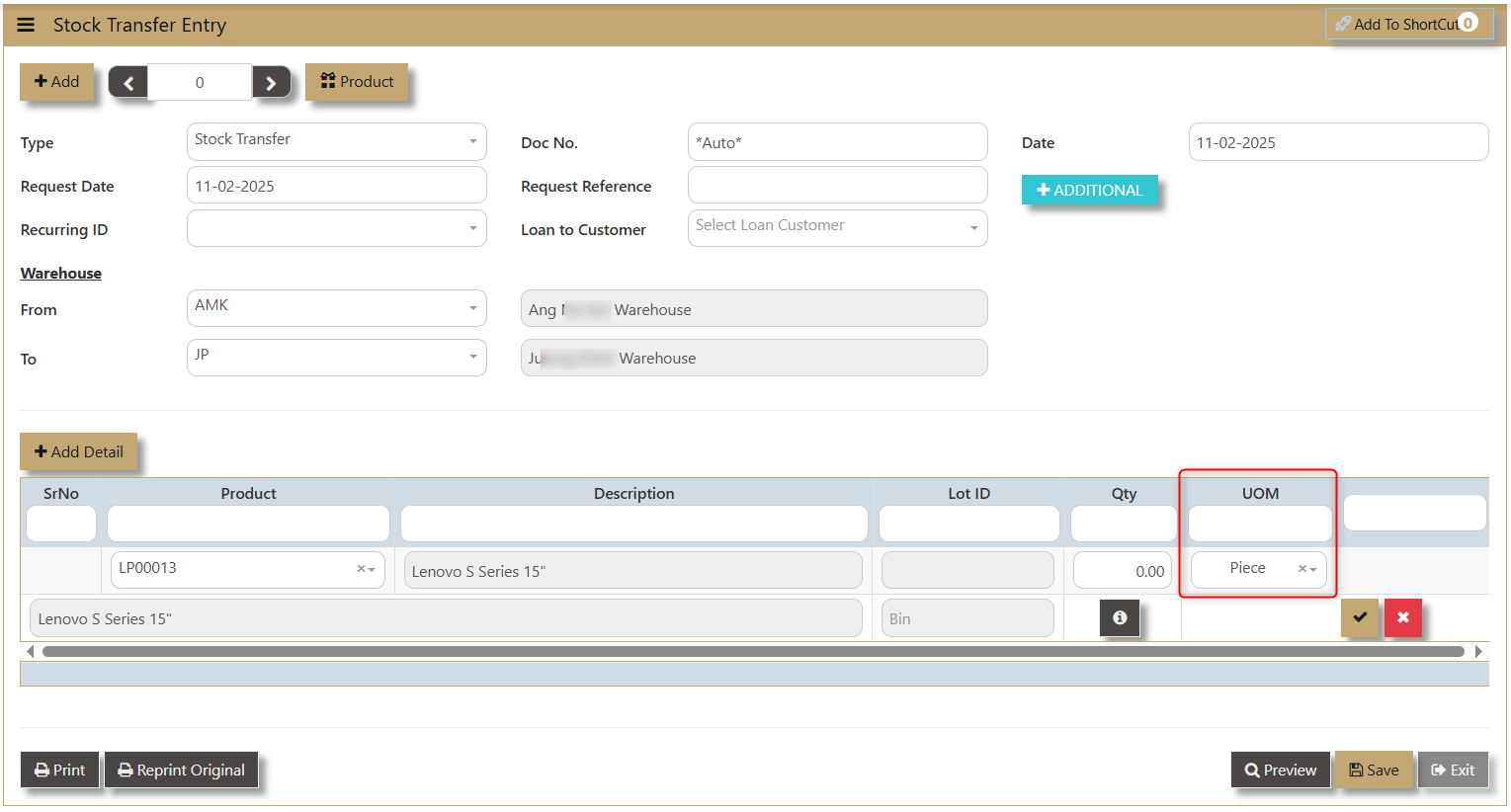
1. In Stocks - Stock Operation - Operation - Stock Transfer (Direct) user can see the screen below.
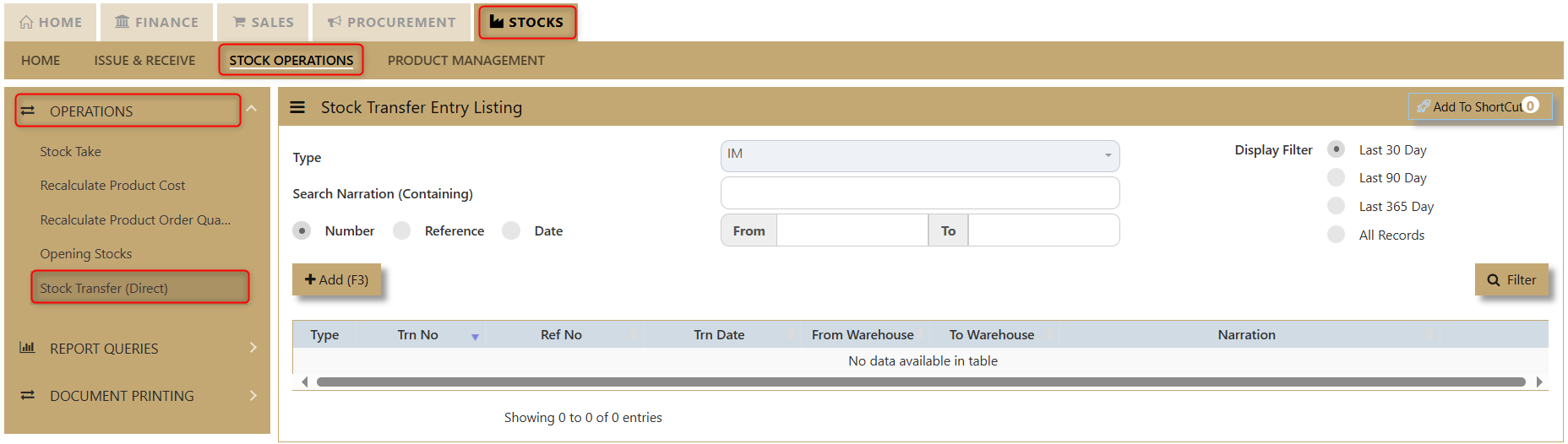
2. Click Add(F3) to create new transaction.
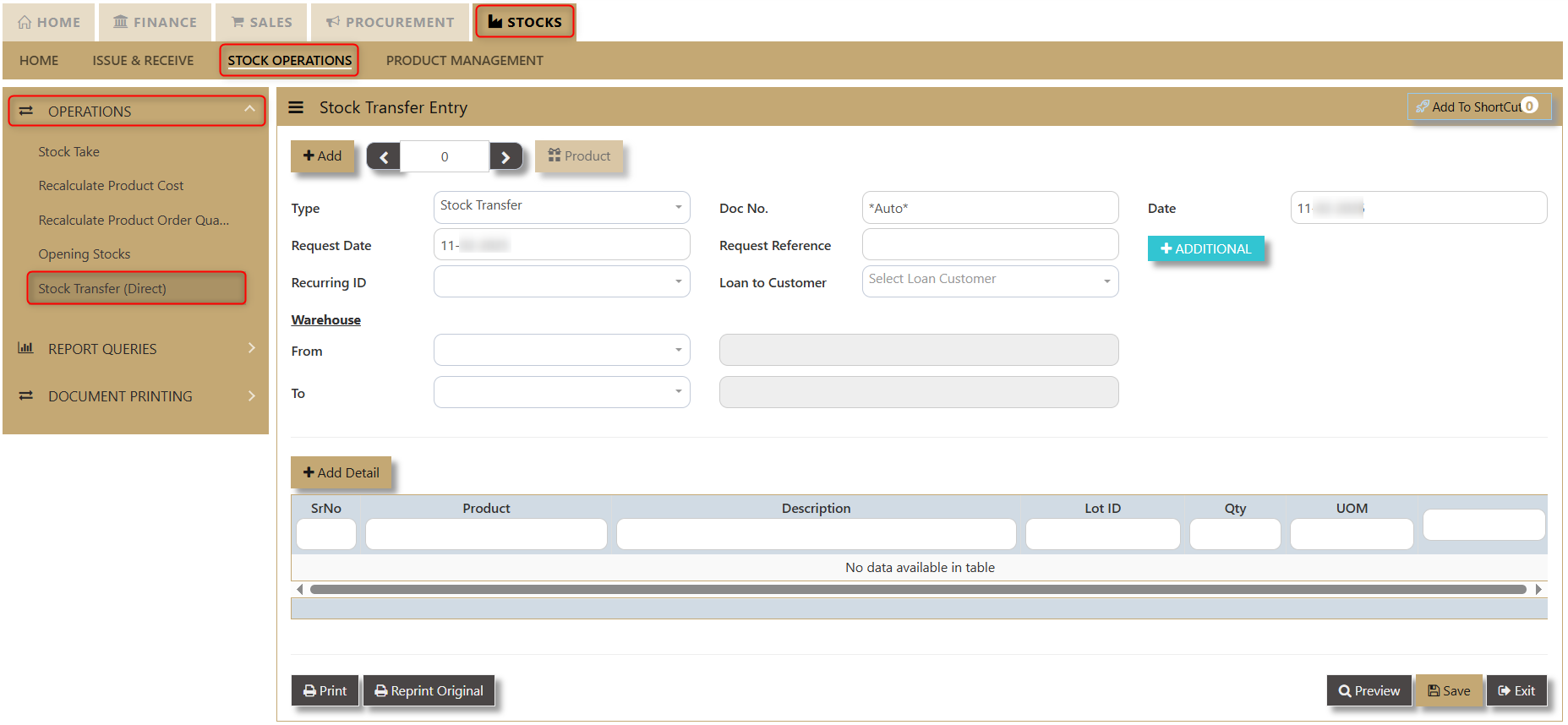
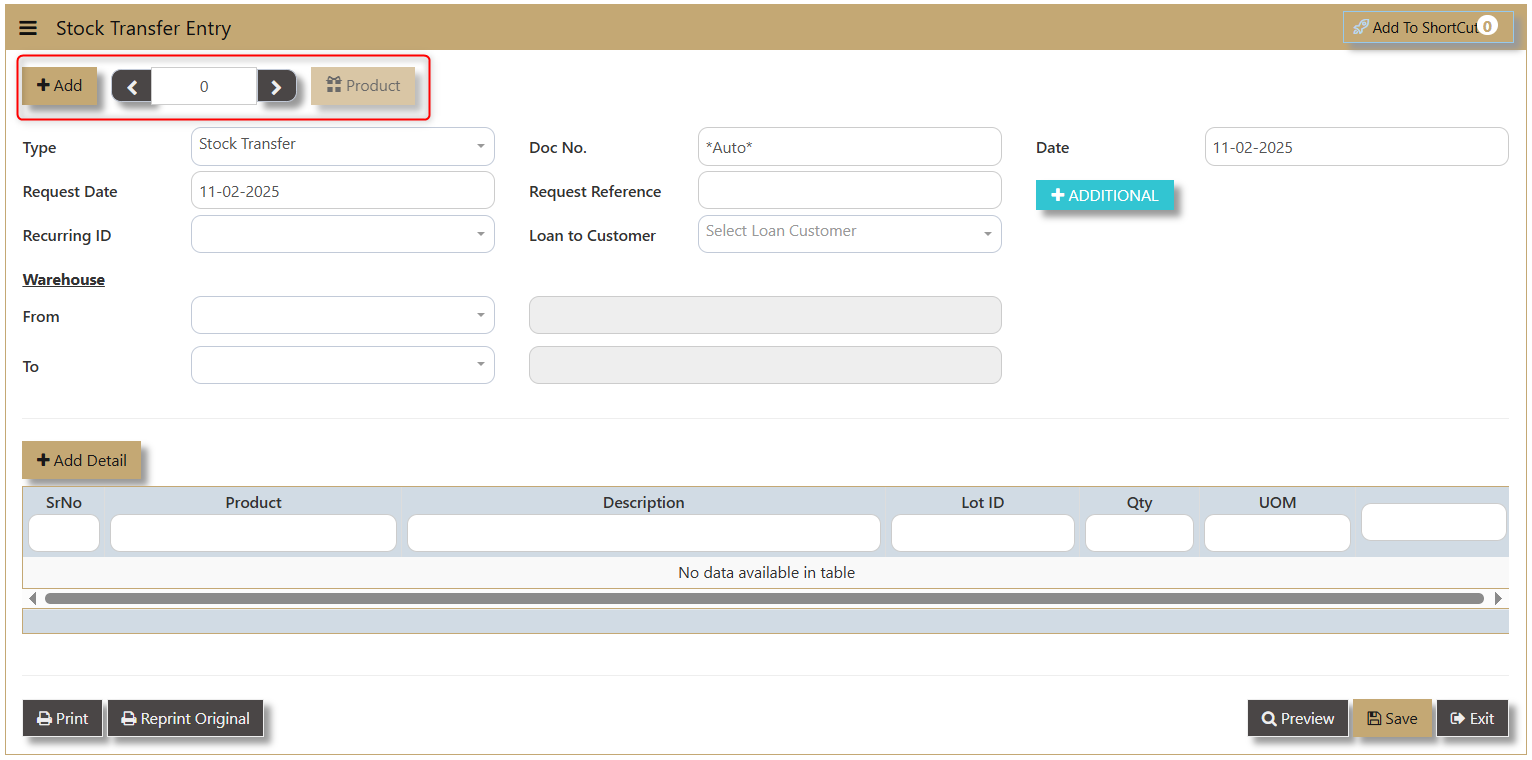
The user must also fill in the following fields:
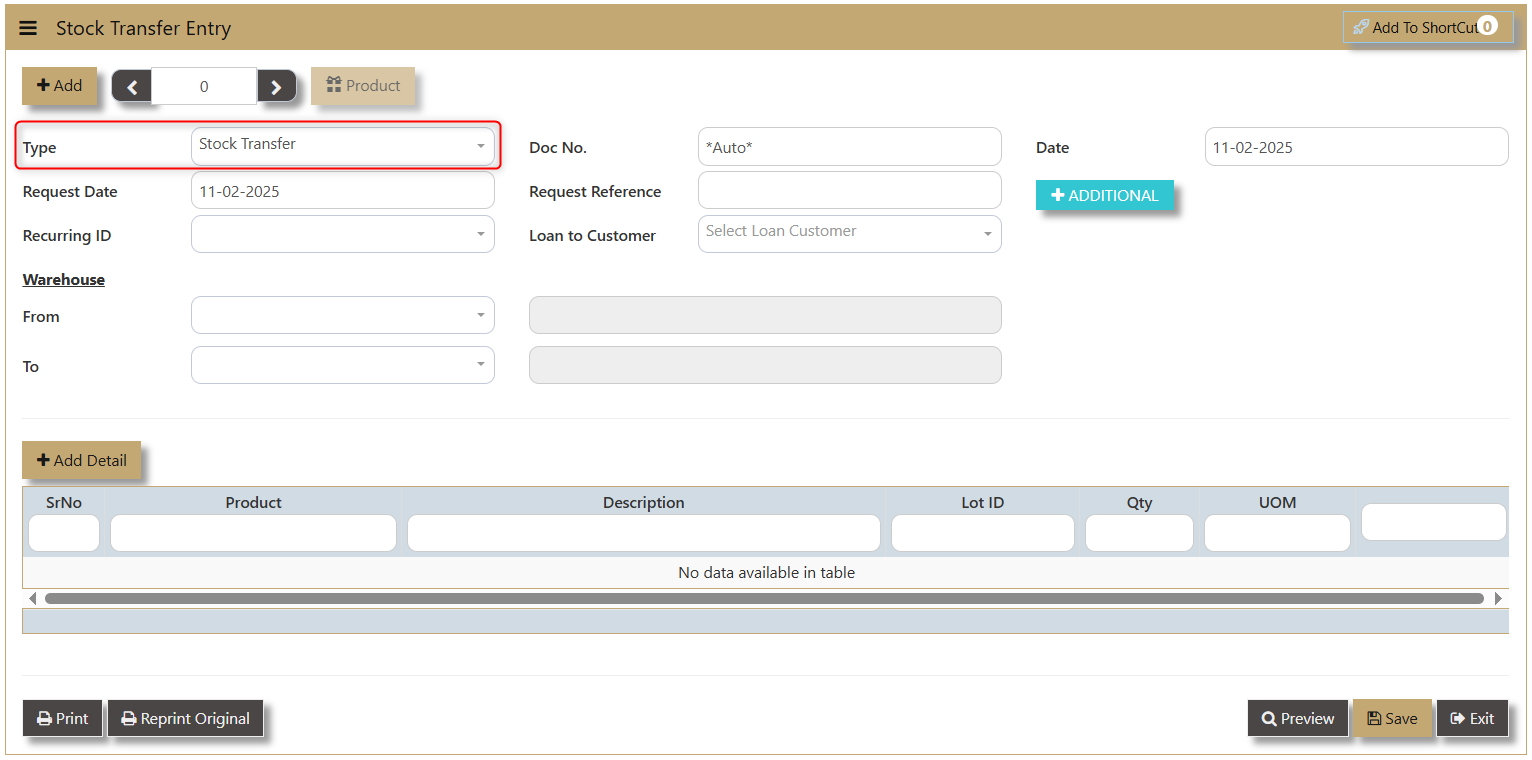
- Type - a dropdown showing which transaction the user is using.
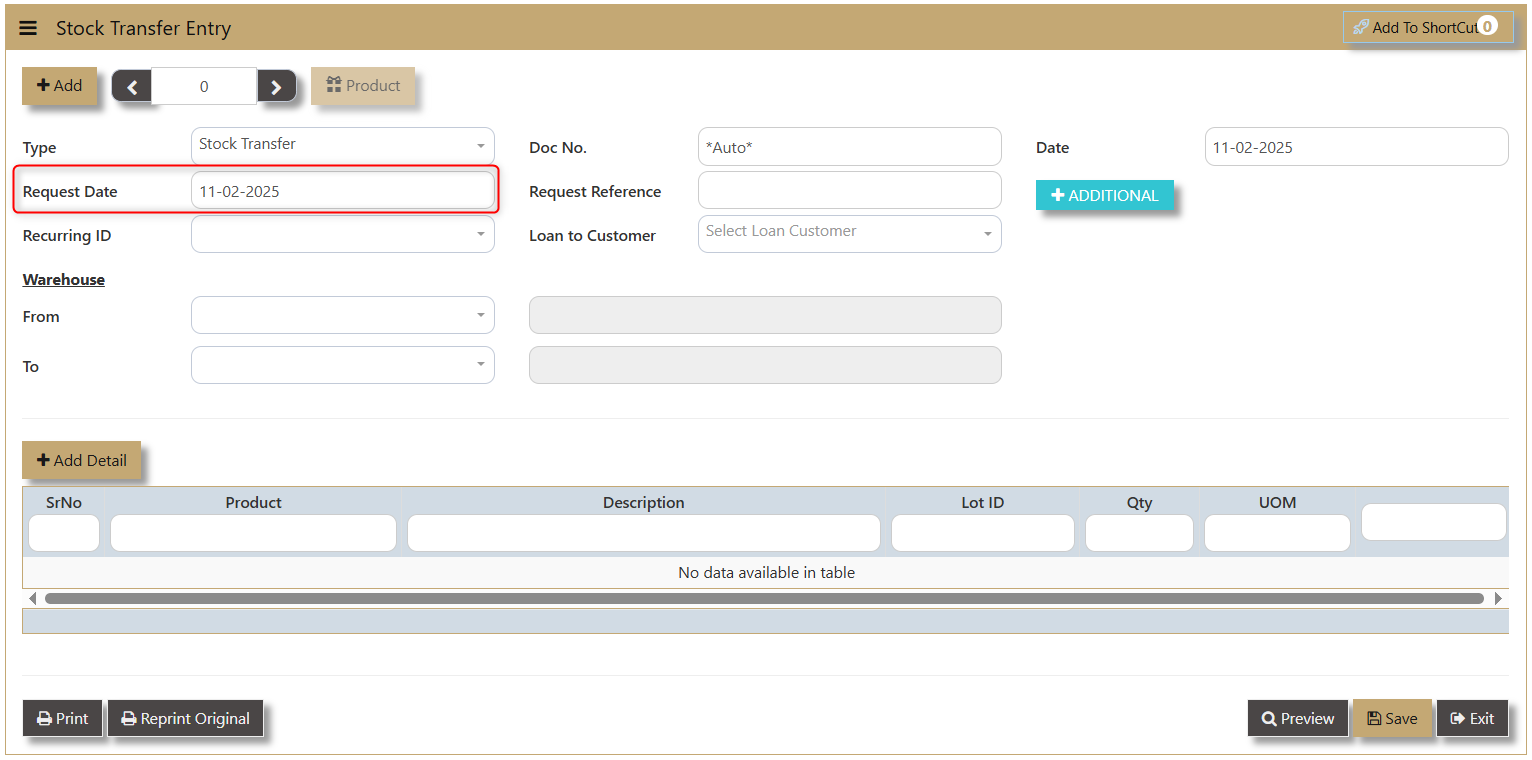
- Request Date - this is when the product is requested for transfer.
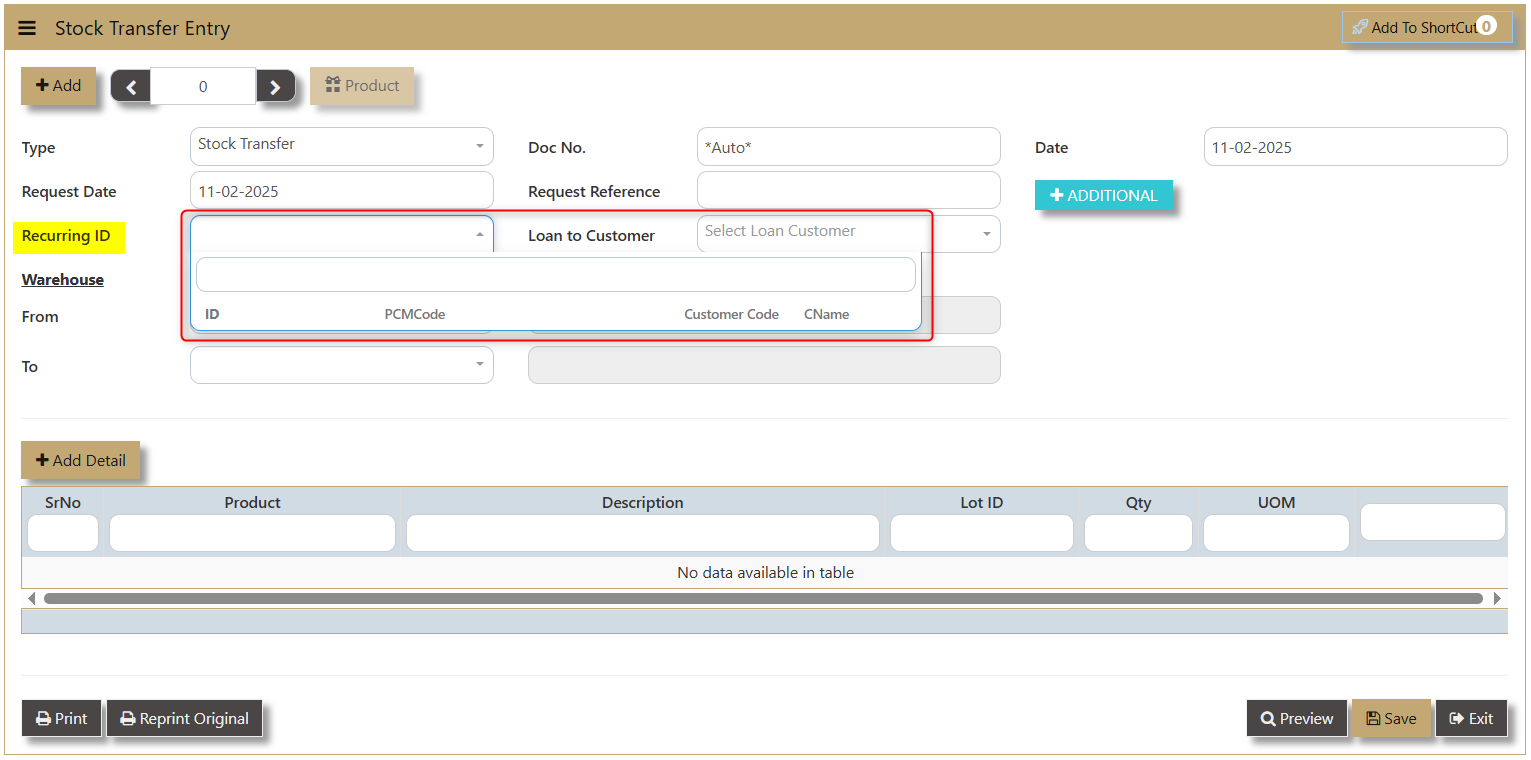
- Recurring ID - unique identifier for regular, scheduled stock transfers between locations. A dropdown will show information about the Product ID, PCM Code, Customer Code and Customer Name.
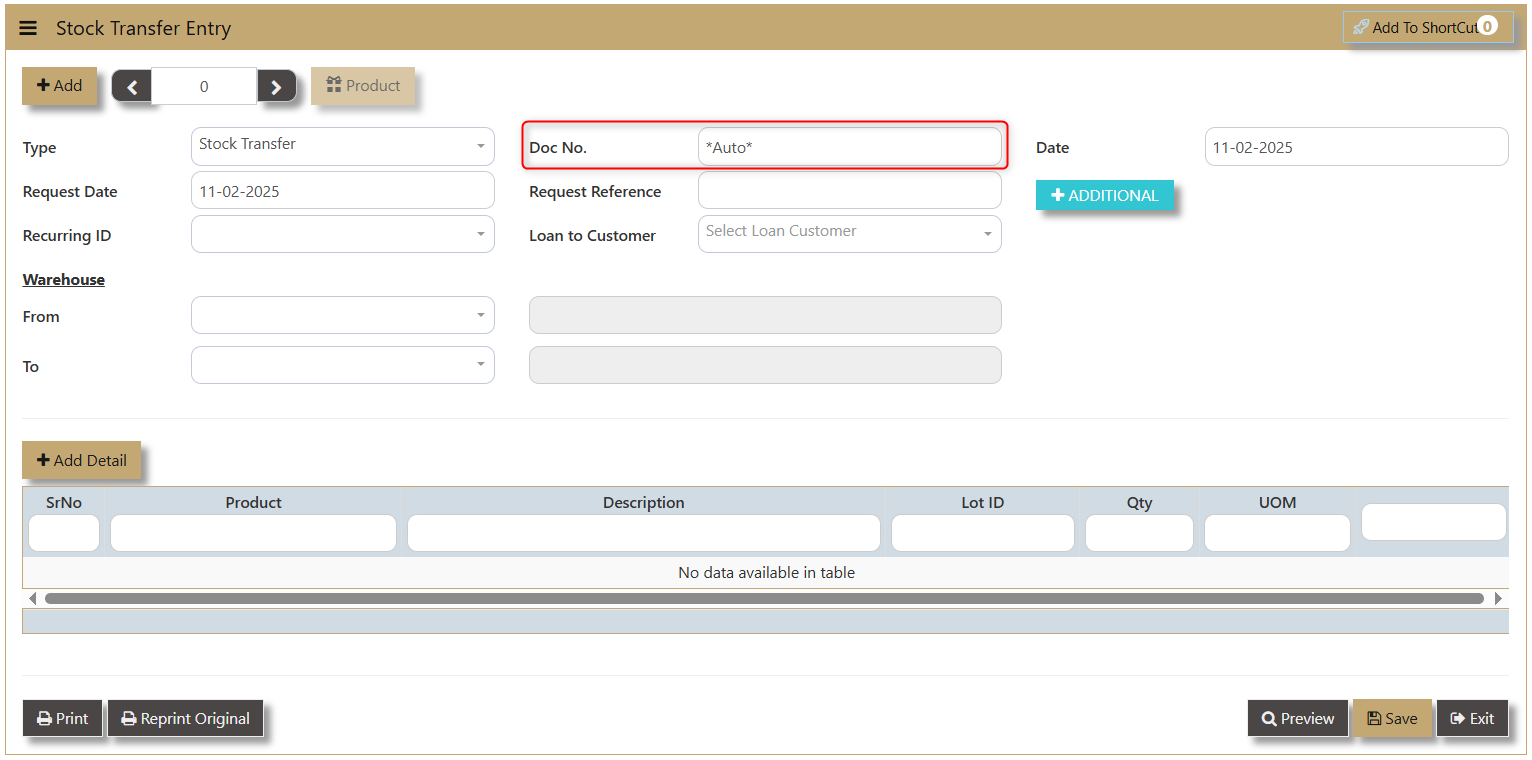
- Doc No. - can be automated by the system or manually encoded depending on the setup made.
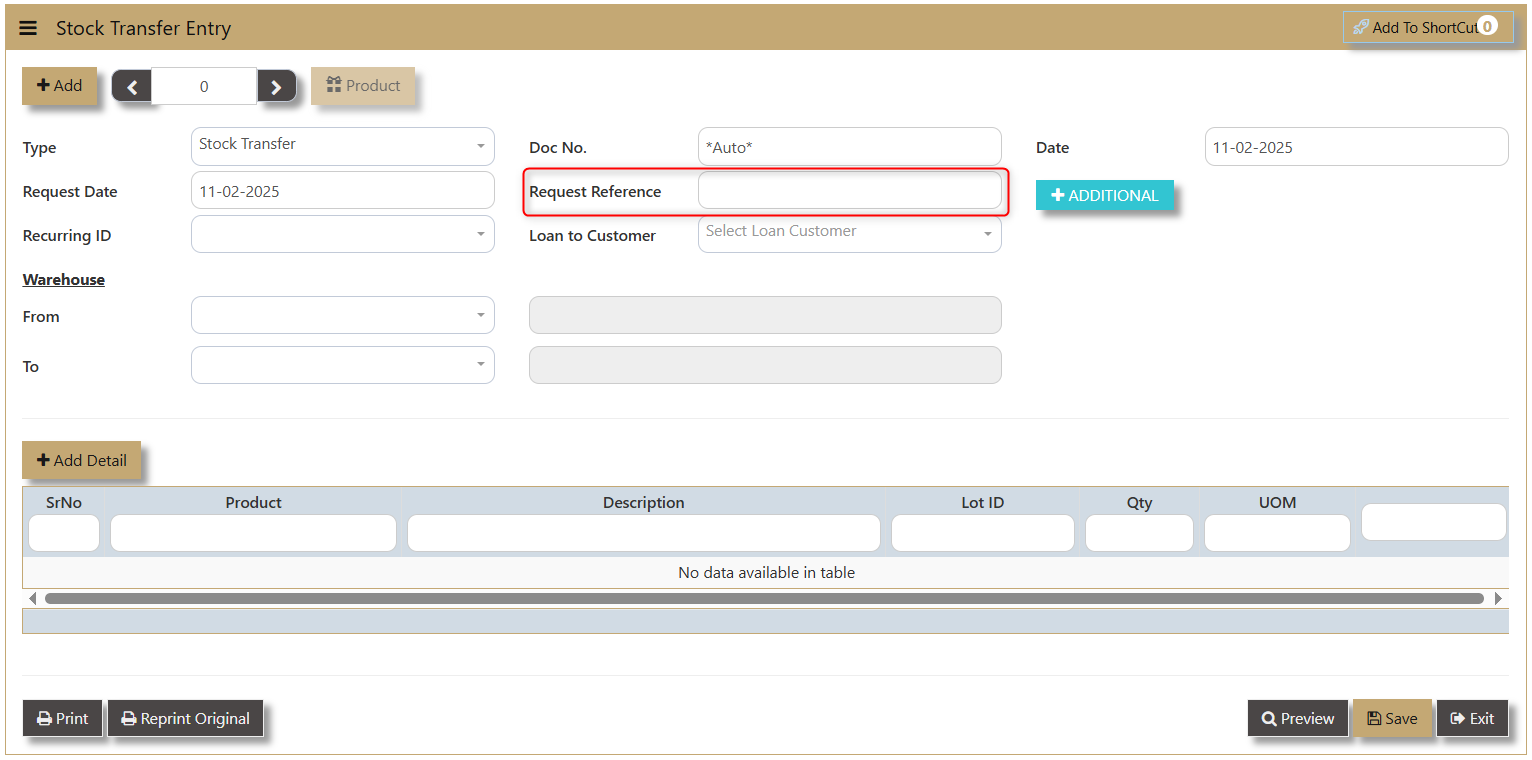
- Request Reference - allows user to input any reference connected with their request.
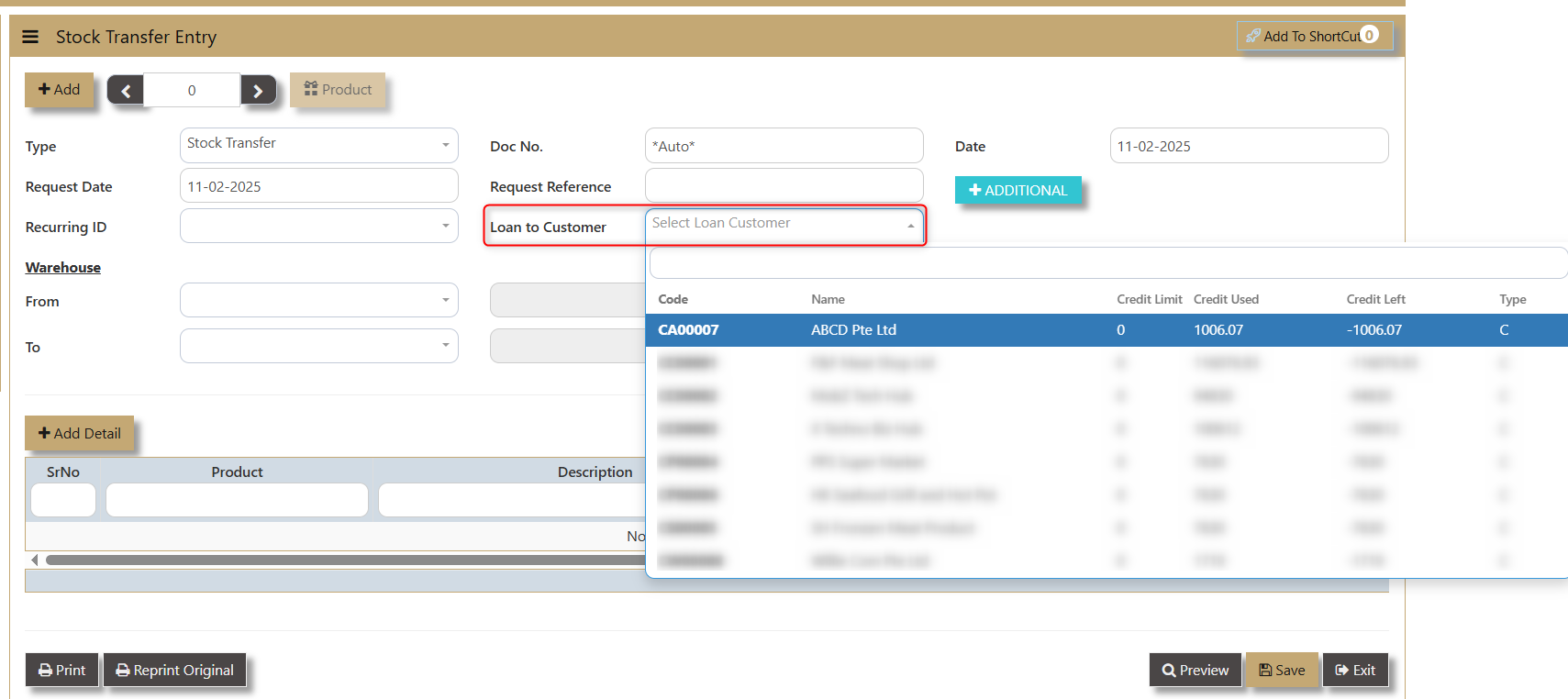
- Loan to Customer - allows user to input the customer involved in the transaction. A dropdown will show the information of Customer Code, Name, Credit Limit, Credit Used, Credit Left and Type (C means Customer).
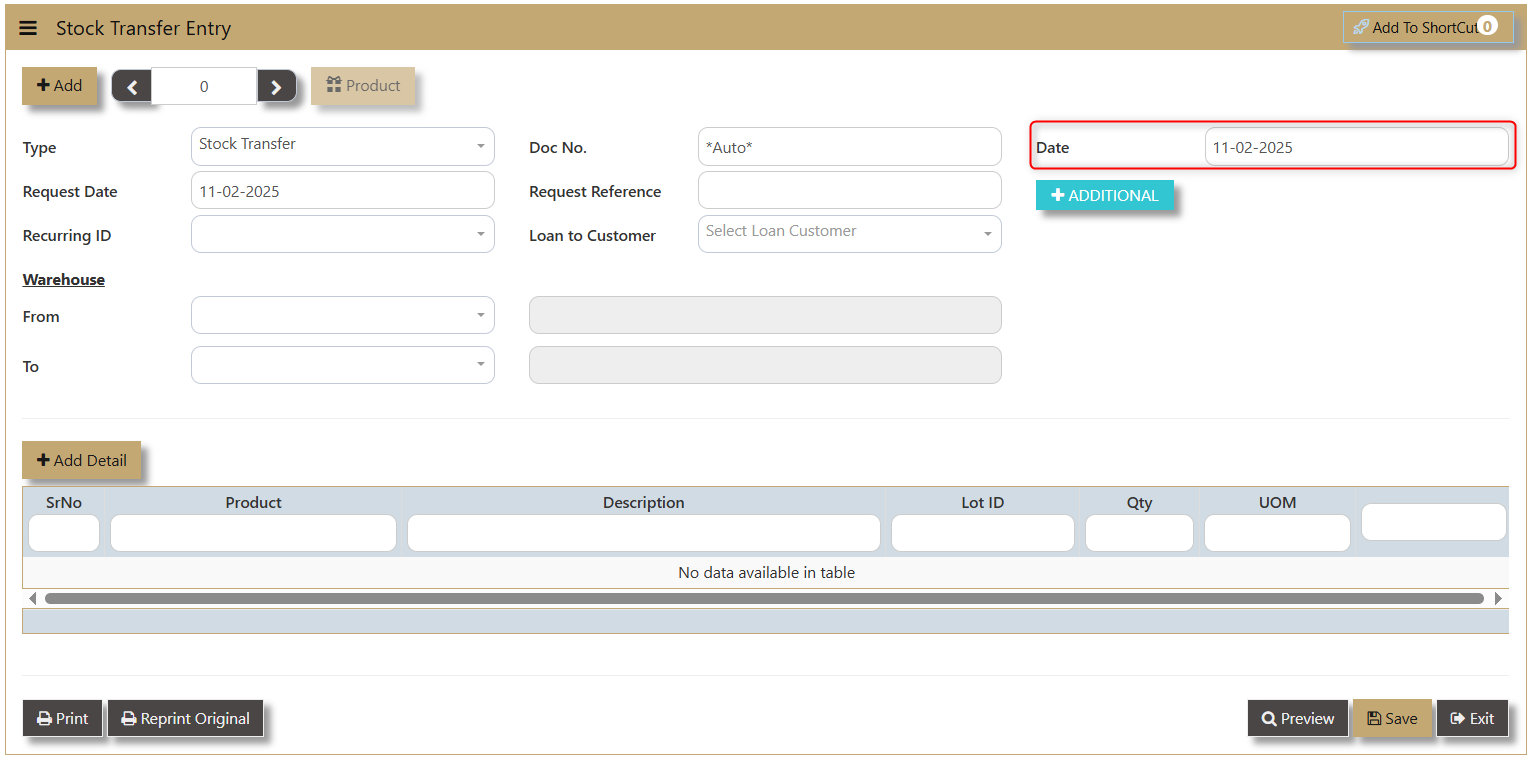
- Date - shows when the transaction is made.
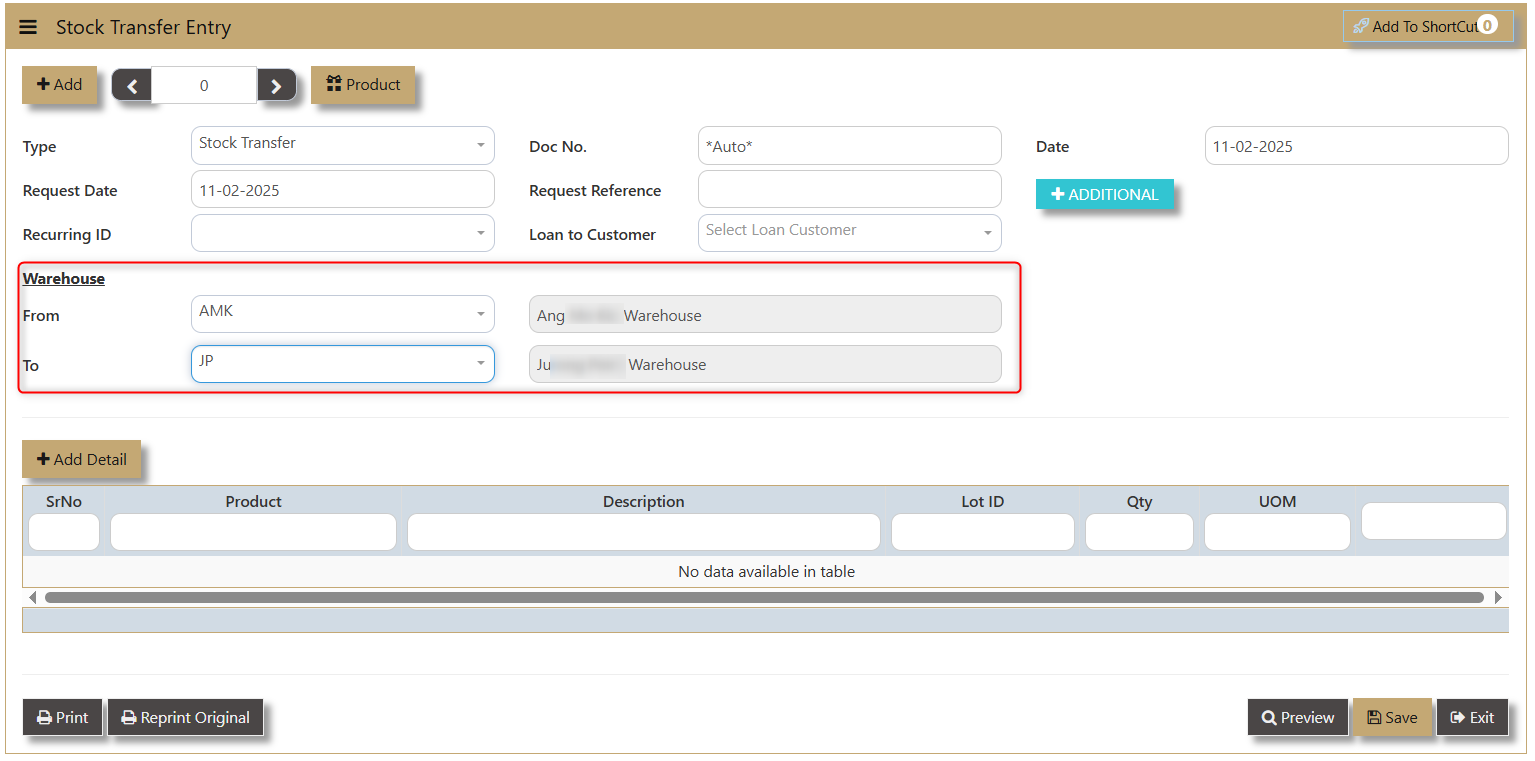
- Warehouse - allow user to choose from-and-to what warehouse the transfer will took place.
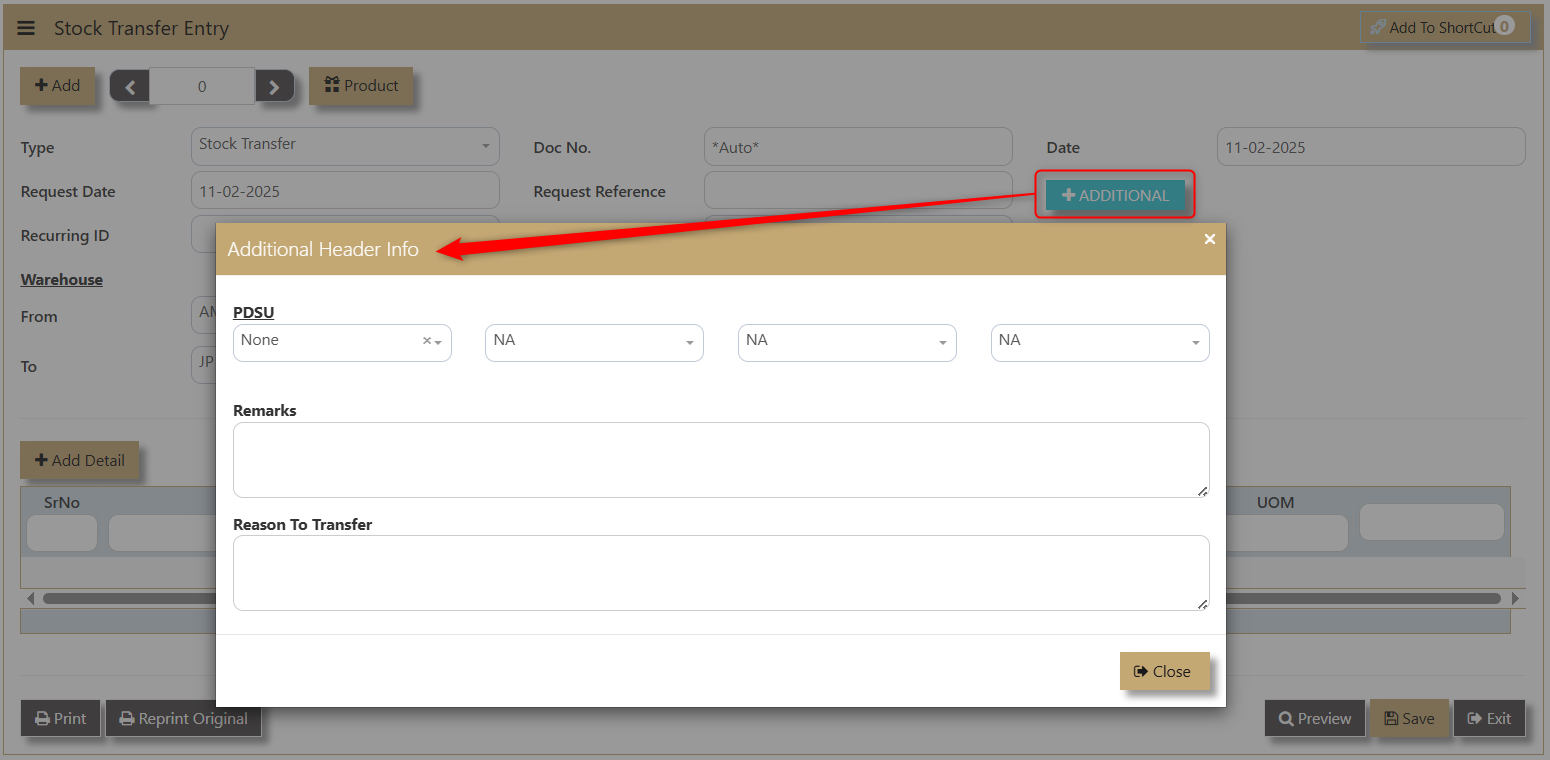
- Additional - enable the user to add more information regarding the Stock Transfer where they can input PDSU, Remarks and Reason to Transfer.
4. Click Add Detail to create new line details of the transfer. A dropdown of the products will show the Product, Product Name, On Order, On PO, On Hand, and Available.
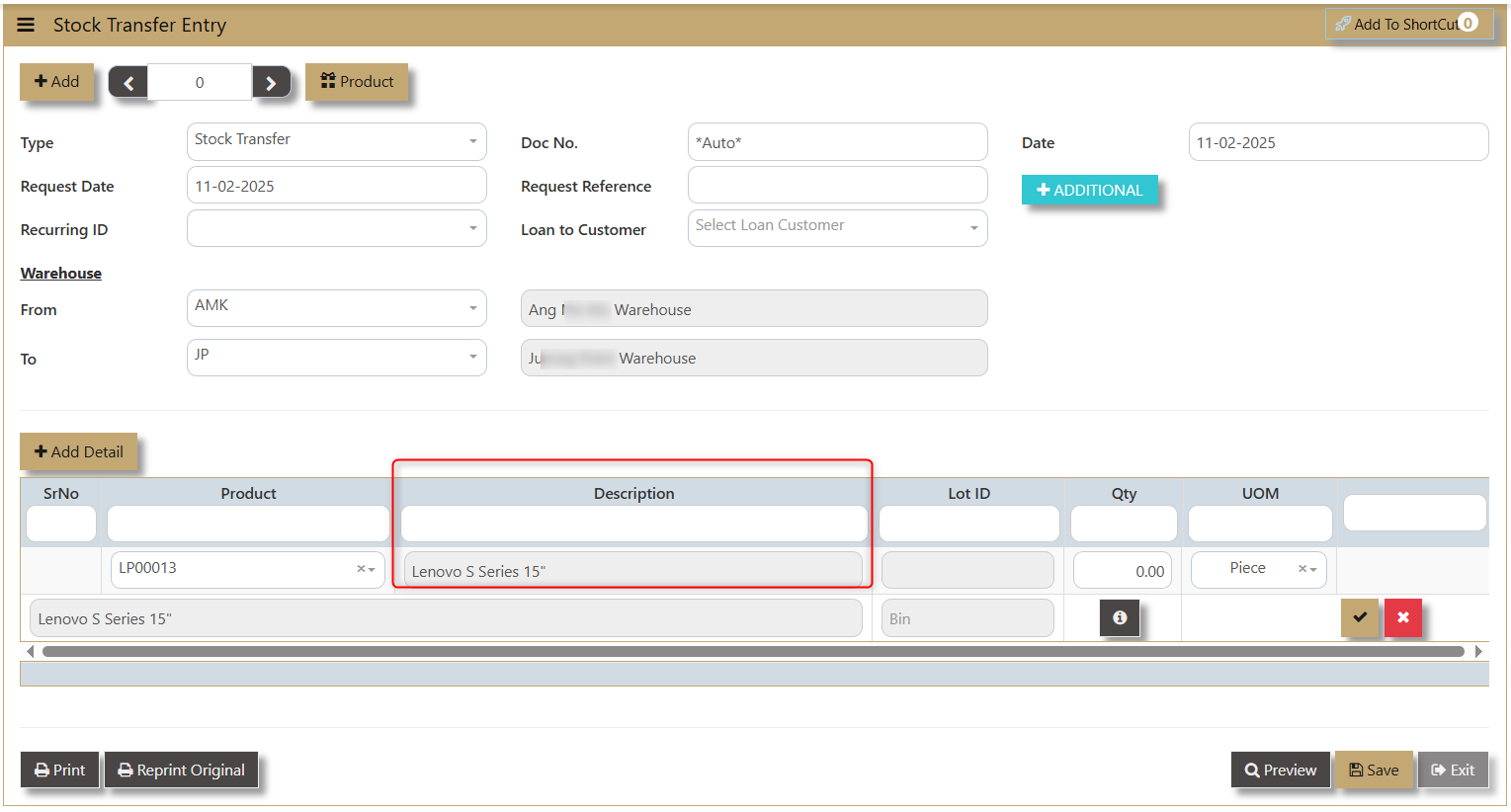
- Once Product Code is selected, the Description of the same product will show accordingly.
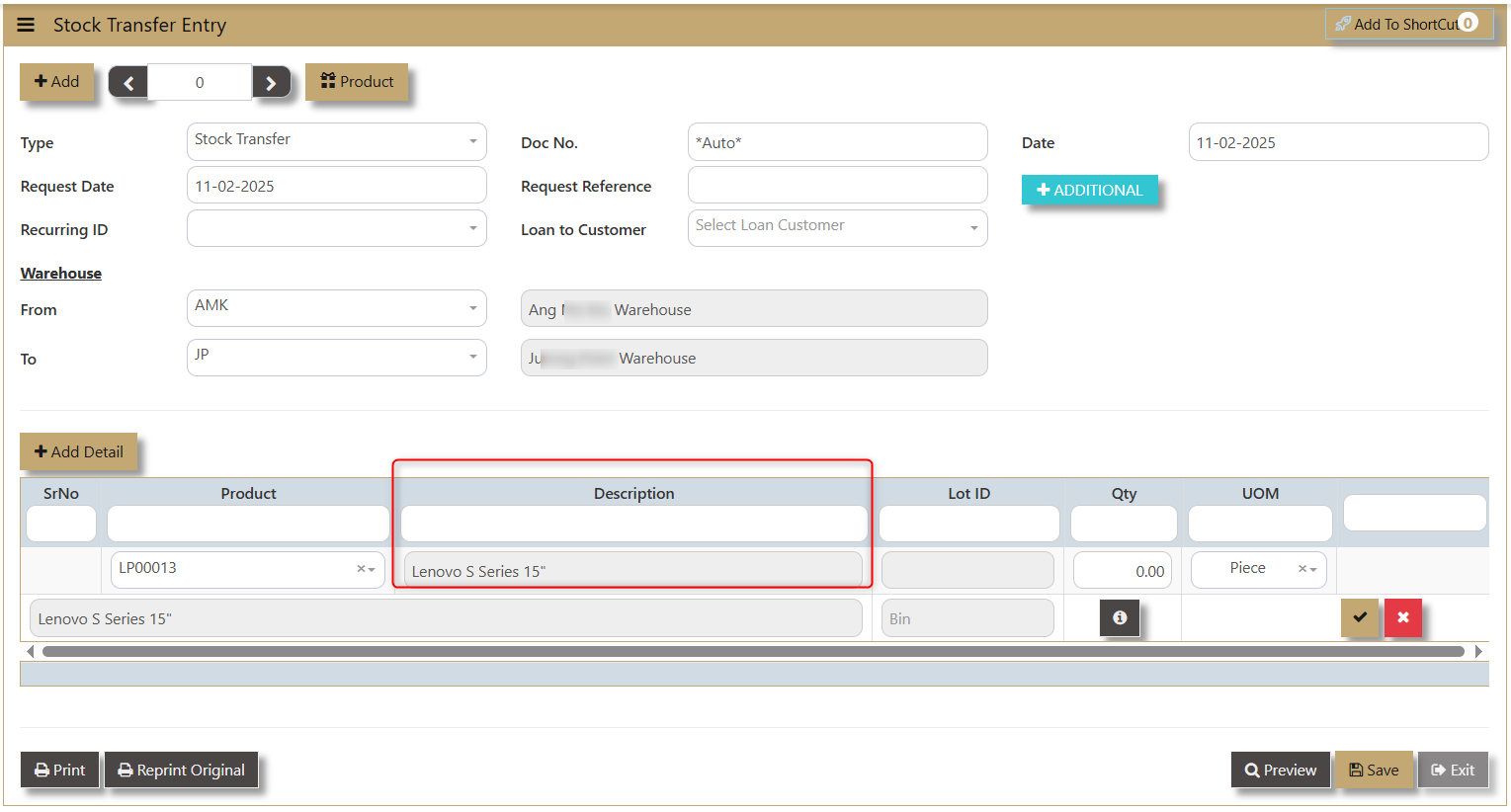
- Lot ID - if product is classified is a lot item, the system will generate.
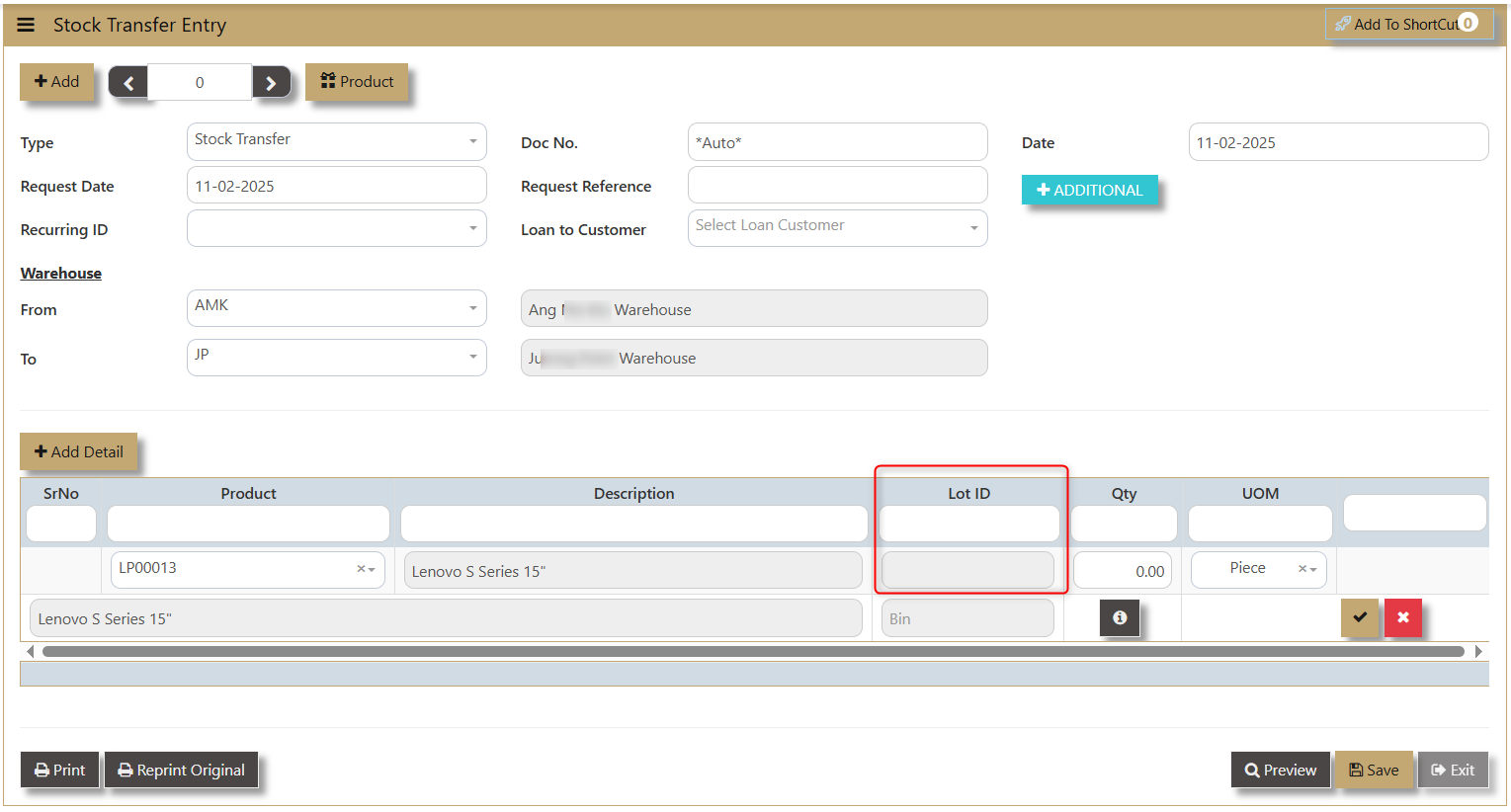
- Qty - or Quantity allows the user to manually key in the number of products to be transferred.
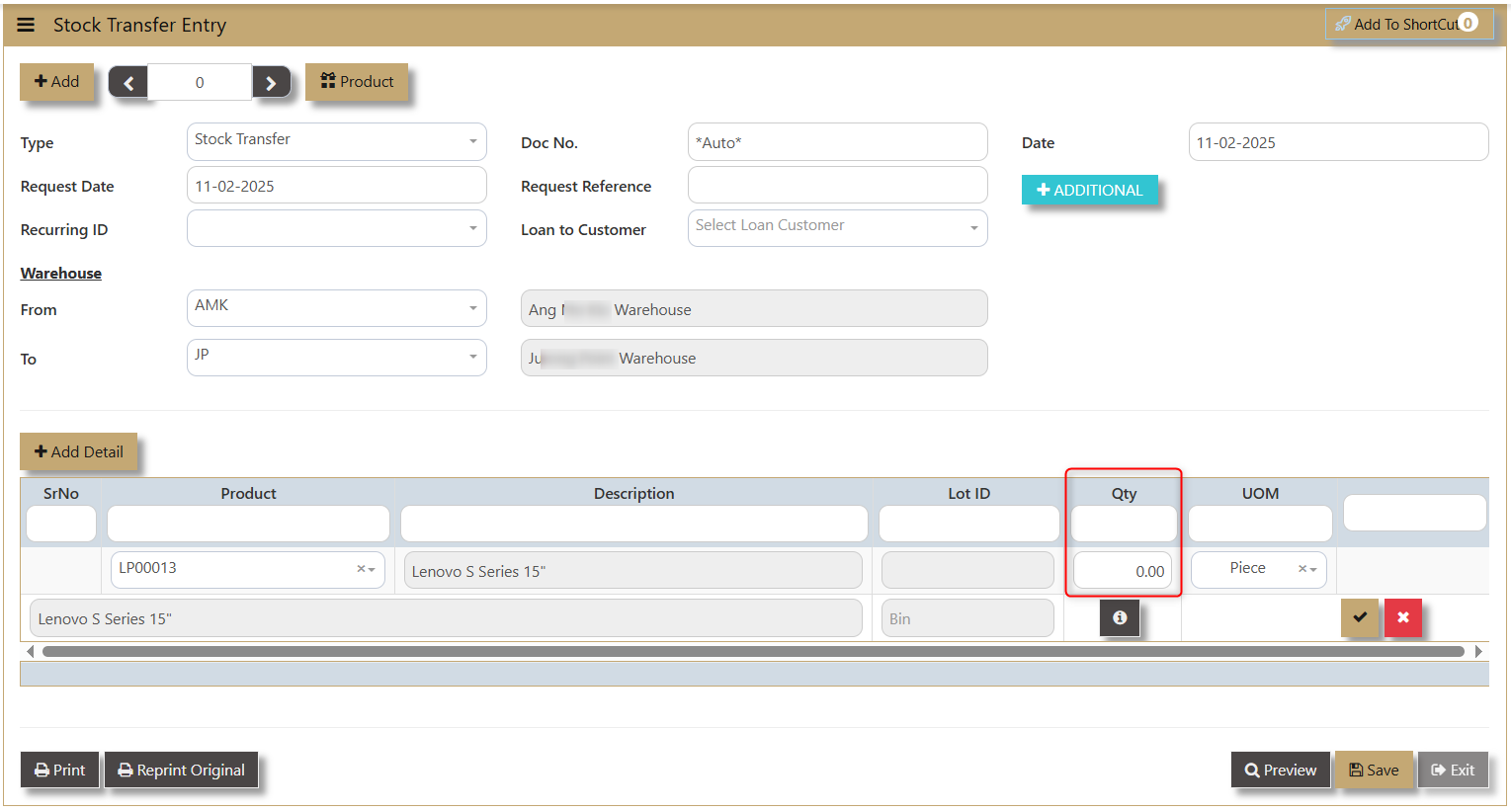
- UOM - Unit of Measure depends on the maintained information of the product in the Product and Service Maintenance.
- 'i' icon - allows the user to input additional information and access any Serial No and Product Detail.
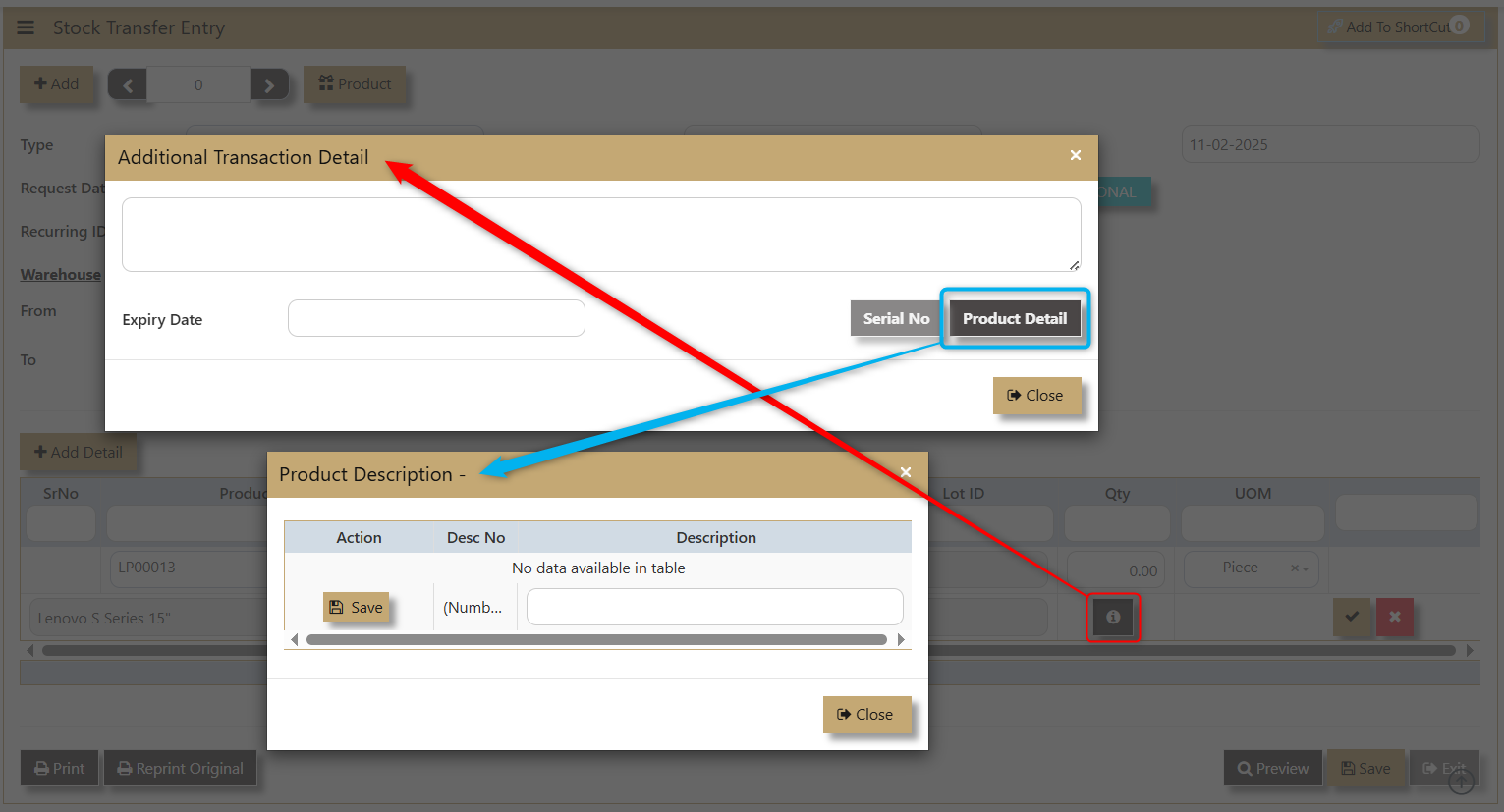
5. Click 'Save' and 'Preview' after the transaction.
User can be able to see this transfer between 2 Warehouse in the Stock Ledger Report as shown in this sample:
